Back to home
Launch details

Chakap is launching soon.

This page is where launch details will live first. It gives hosts and guests a clear view of what is coming on iPhone and Android while the mobile release is being finished.

What to expect first

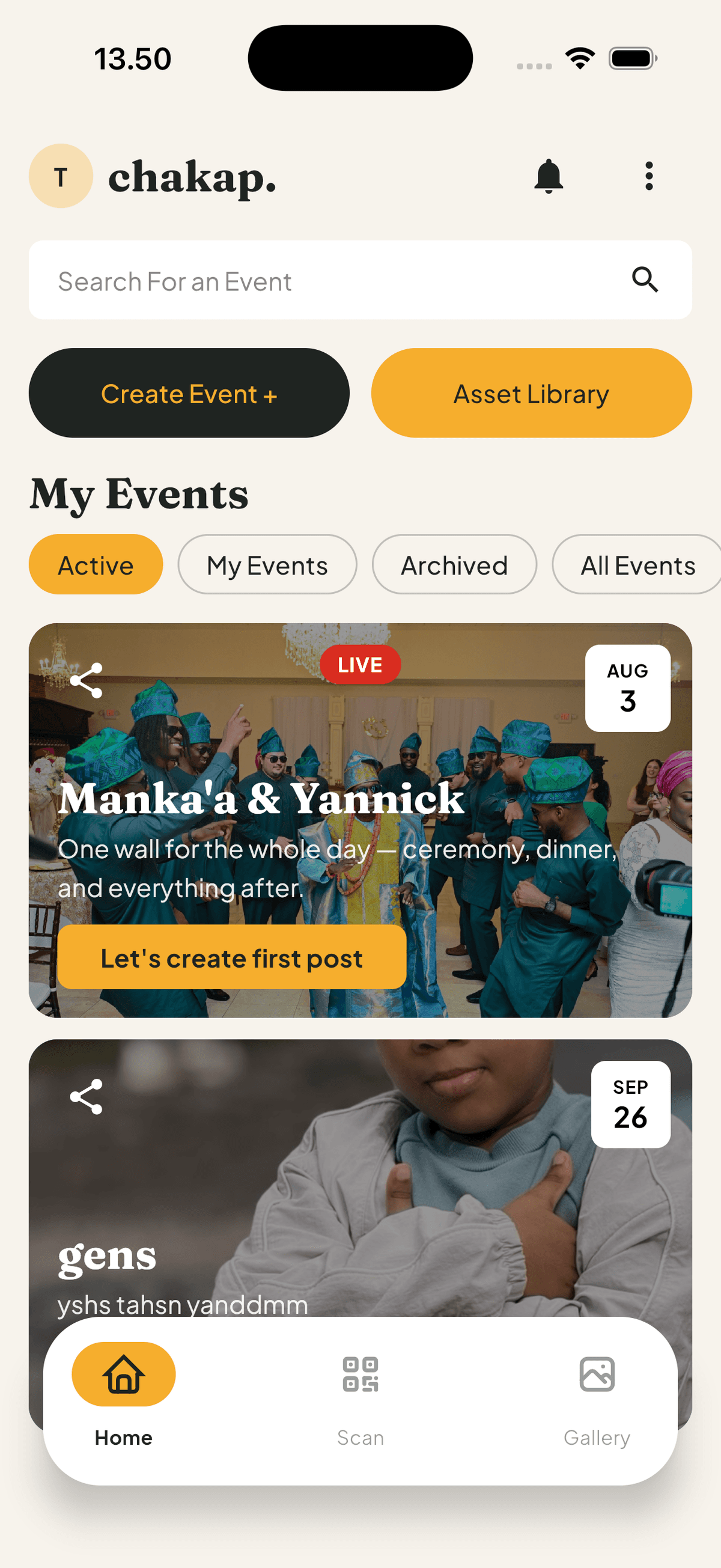
Hosts will create the event in the app, then invite guests through a link or QR code so the shared gallery starts filling immediately.

  • Hosts create the event, manage privacy, and moderate uploads in-app.
  • Guests will join through QR codes or links without a messy post-event chase.
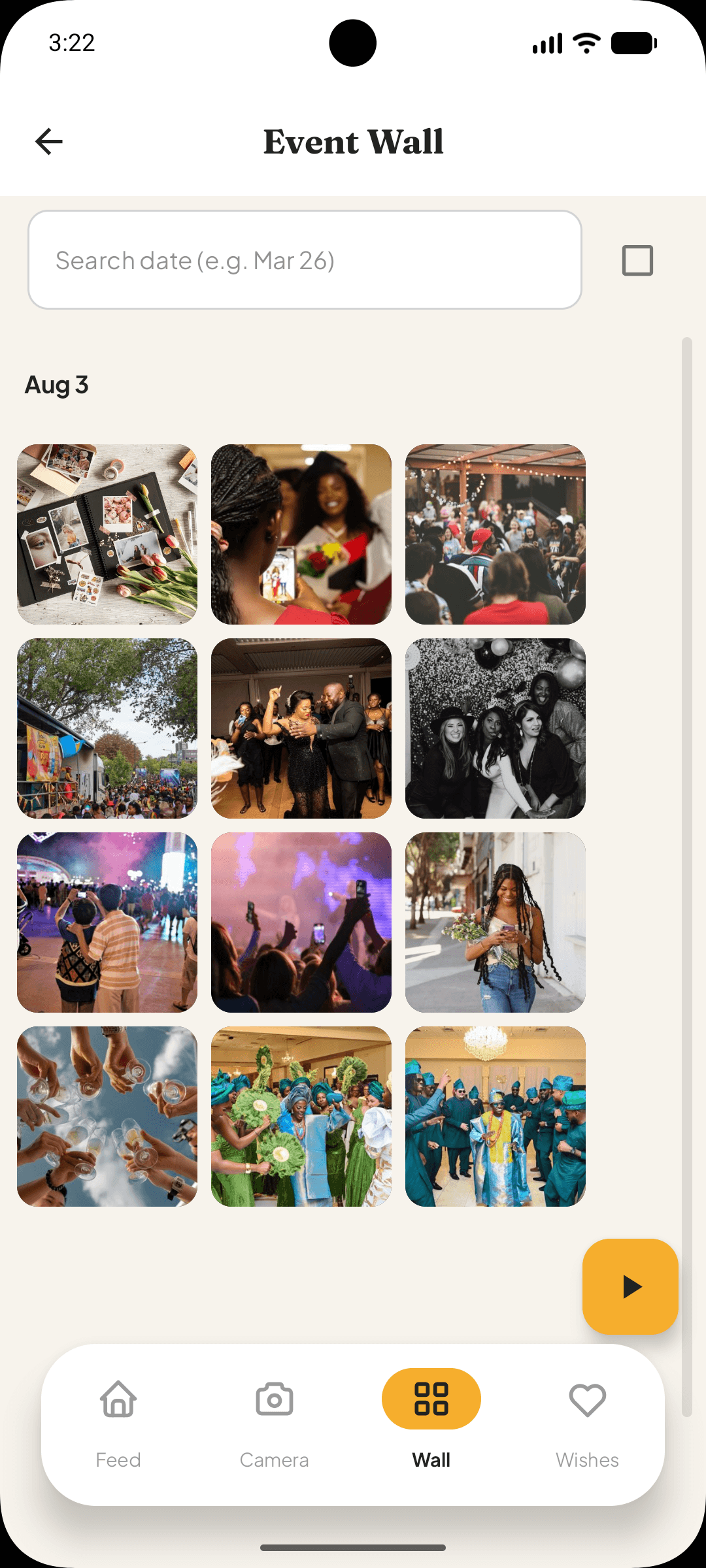
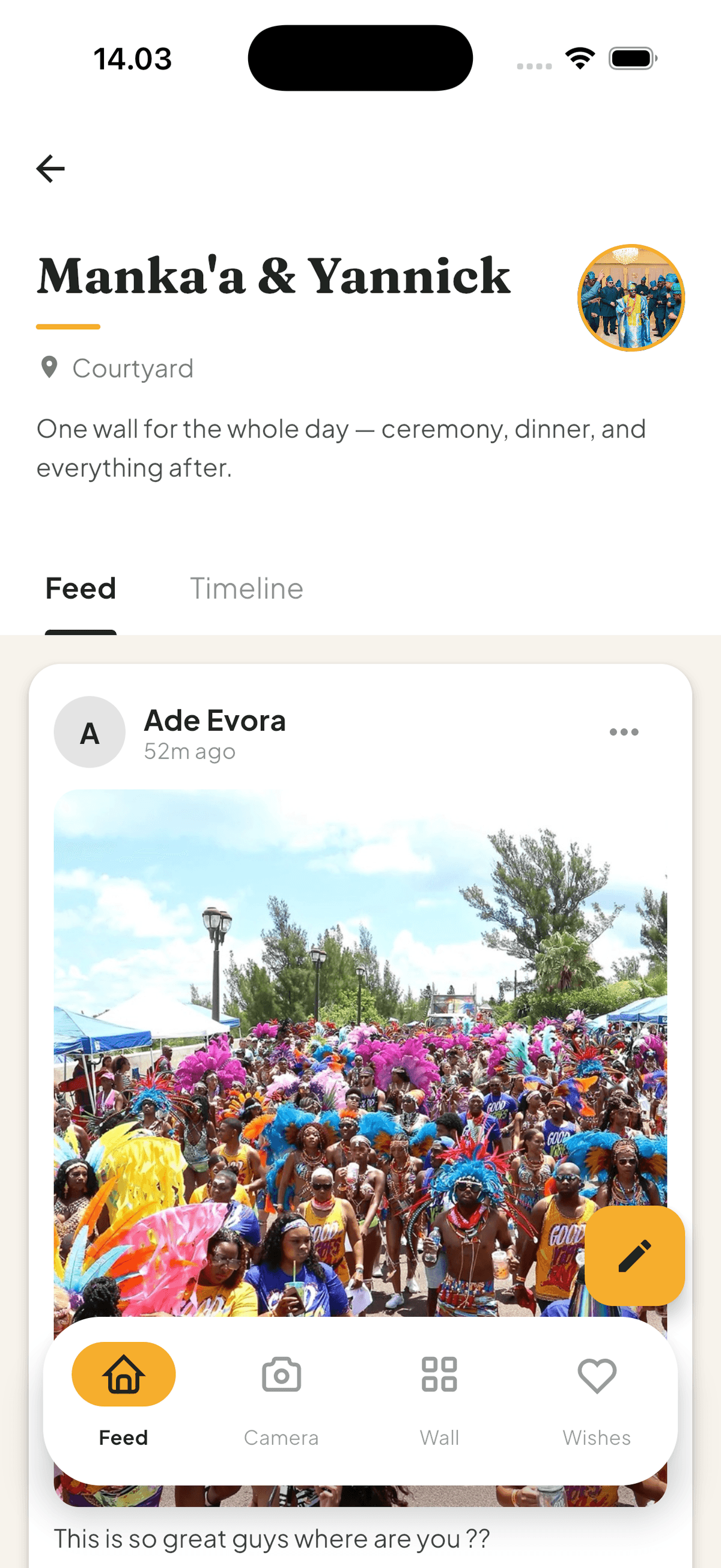
  • The event hub keeps uploads, wishes, and the full shared memory together.
Chakap app screen showing event creation setup for a shared photo and video gallery
1

Create the event

Set the basics, shape the flow, and keep the host setup inside the app.

Chakap QR code sharing screen for inviting guests to contribute to the event gallery
2

Share the QR

Guests scan or tap through the event link instead of hunting for files later.

Chakap event hub showing live uploads and shared gallery from multiple guests
3

Watch the wall fill up

The event hub keeps uploads, updates, and the live memory in one place.

Chakap guest entry screen showing event code input for instant access
4

Join instantly

Guests can enter the code fast and get straight into the event experience.

Flow: Create event -> share QR -> wall fills live -> guests join instantly.
iPhone

App Store access will appear here.

When the iPhone release is ready, this section will point directly to the App Store listing. Until then, use the homepage to see how Chakap works.

Android

Google Play access will appear here.

When the Android release is ready, this section will link straight to Google Play. Until then, the product flow preview shows what guests and hosts can expect.